Why Most Google Ads Campaigns Fail (And How to Fix Them)
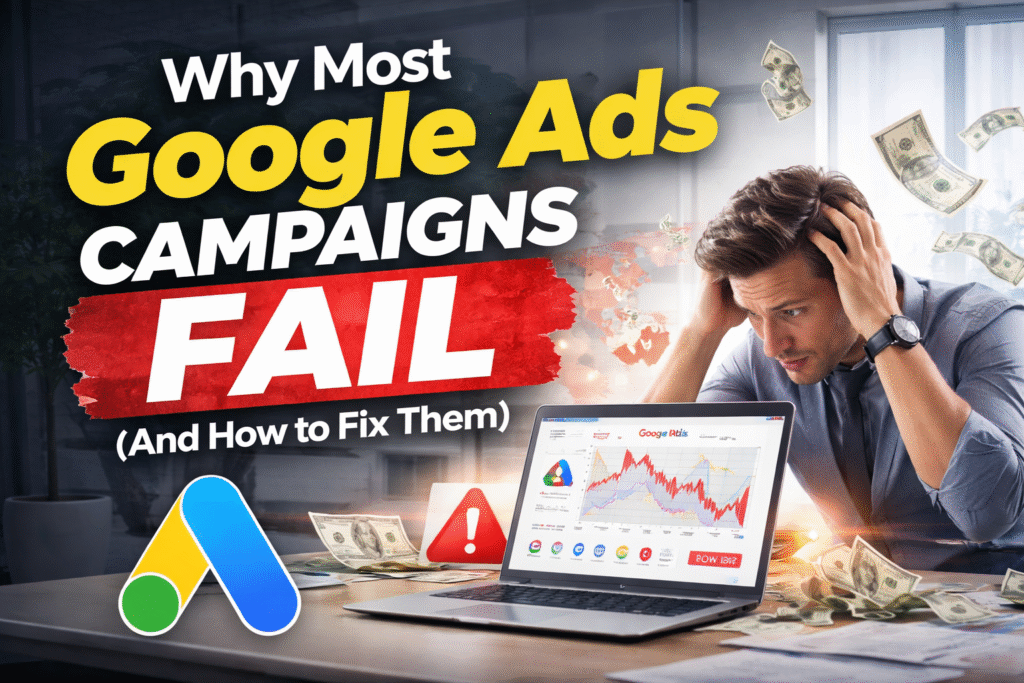
INTRODUCTION Running Google Ads can feel frustrating—especially when you’re spending money but not seeing results. Many businesses in the USA, Canada, Dubai, and across Europe launch Google Ads with high expectations, only to face low conversions, high CPC, or zero ROI. The problem isn’t Google Ads itself—it’s how the campaigns are set up and managed. In this blog, I’ll break down why most Google Ads campaigns fail and show you practical, proven ways to fix them, so your ads actually generate leads and sales. . The Real Reason Google Ads Campaigns Fail Google Ads is not a “set and forget” platform. It requires strategy, tracking, and constant optimization. Most failed campaigns share the same issues: Poor setup Wrong targeting No conversion tracking Weak landing pages Without addressing these fundamentals, even a large budget won’t save your campaign. Read my other blog. Why This Problem Happens Wrong Keyword Selection Many advertisers target broad or irrelevant keywords. For example: Using generic keywords instead of buyer-intent keywords Ignoring negative keywords This leads to irrelevant clicks and wasted spend No Proper Conversion Tracking A shocking number of businesses run Google Ads without: Conversion tracking GA4 setup Google Tag Manager integration Without tracking, Google doesn’t know which clicks bring value—so optimization becomes impossible Poor Campaign Structure Mixing: Search + Display Different services in one campaign Multiple locations without segmentation This confuses Google’s algorithm and kills performance Weak Landing Pages How to Fix Google Ads Campaigns (Step-by-Step) Step 1 – Use Buyer-Intent Keywords Focus on keywords like: hire a Google Ads expert Google Ads management services Google Ads consultant for small business These bring ready-to-buy users, not browsers. just read this.. Step 2 – Set Up Proper Tracking Every successful campaign needs: Conversion tracking GA4 integration Google Tag Manager Call & form tracking This is non-negotiable. Step 3 – Create a Clean Campaign Structure Separate: Services Locations (USA, Canada, Dubai, Europe) Match types This improves Quality Score and lowers CPC. Step 4 – Optimize Ads & Landing Pages Together Your ad copy and landing page must match: Same promise Same keywords Clear value proposition This dramatically increases conversion rates. Step 5 – Ongoing Optimization Winning Google Ads campaigns are optimized weekly: Keyword performance review Search term analysis Bid & budget adjustment Ad copy testing Common Google Ads Mistakes to Avoid Running ads without tracking Trusting automated settings blindly Sending traffic to the homepage Ignoring negative keywords Choosing cheap management over expertise These mistakes are especially costly in high-CPC markets like the USA and Dubai. How a Professional Google Ads Expert Can Help A professional Google Ads expert doesn’t just run ads—they manage performance. With expert management, you get: Strategic keyword targeting Proper conversion tracking Continuous optimization Lower CPC and higher ROI For businesses in the USA, Canada, Dubai, and Europe, this difference can mean profit vs loss. FAQs Why are my Google Ads not generating leads? Usually due to poor targeting, weak landing pages, or missing conversion tracking. How long does it take to see Google Ads results? Most campaigns show meaningful data within 2–4 weeks if set up correctly. Is Google Ads worth it for small businesses? Yes, when managed properly with the right strategy and budget control. Should I hire a Google Ads expert? If you want a consistent ROI and less wasted spend, hiring an expert is often more cost-effective. Final Thoughts Google Ads doesn’t fail businesses—poor strategy does. If your campaigns are not generating results, the solution isn’t spending more money—it’s fixing the fundamentals. With the right setup, tracking, and optimization, Google Ads can become one of your most profitable marketing channels. Call-to-Action Looking for better Google Ads results in the USA, Canada, Dubai, or Europe?👉 Visit my portfolio and get in touch to grow your business: https://suzonhossain.ruhistore.com/
Server-Side google Tracking, GTM, Multi Pixels & Analytics
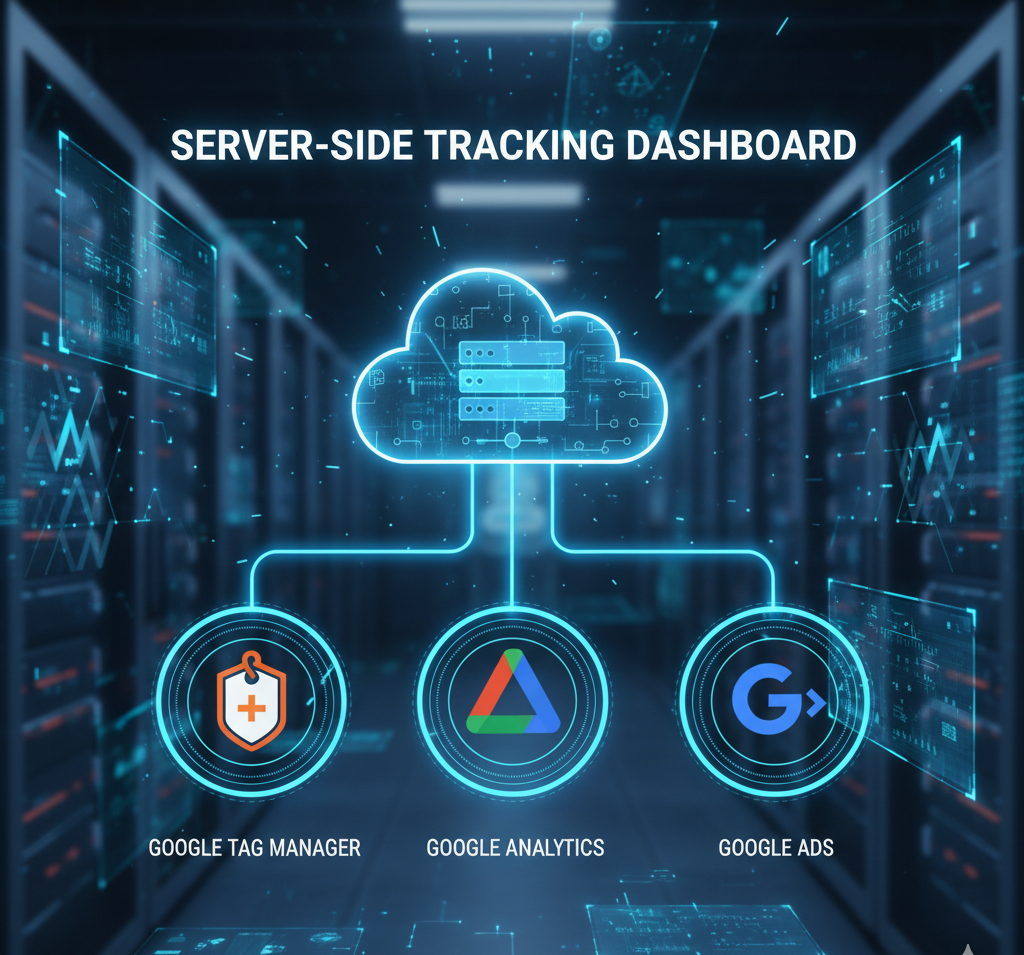
Server-Side google Tracking, GTM, Multi Pixels & Analytics In today’s privacy-focused digital world, accurate tracking is becoming increasingly challenging. Browser restrictions, ad blockers, cookie limitations, and iOS updates have reduced the effectiveness of traditional client-side tracking.This is why businesses and marketers are quickly shifting to server-side tracking—a powerful method that ensures more accurate data, faster websites, and stronger remarketing performance. In this blog, you’ll learn: What server-side tracking is Why it is better than traditional client-side tracking How to set up multi Google Pixels How to run remarketing using Google Tag Manager (GTM) How server-side tracking improves analytics and attribution Let’s begin. What Is Server-Side Google Tracking? Lorem ipsum dolor sit amet, consectetur adipiscing elit. Ut elit tellus, luctus nec ullamcorper mattis, pulvinar dapibus leo. Server-side tracking means your website sends data first to a secure tracking server, not directly to Google Ads, Analytics, or other platforms.This server processes, cleans, and redirects the data to the correct channels. How It Works (Simplified) User visits your website Website sends the event to your server container Your server validates and enriches data The server sends high-quality events to Google Ads, GA4, and other pixels This eliminates browser interference and ensures maximum accuracy Why Server-Side Tracking Is Essential in 2025 Client-side tracking is losing reliability due to: Browser privacy updates (Safari, Firefox, Brave) iOS 17+ data restrictions Third-party cookie blocking Ad blockers removing pixels Slower load time due to many tags Server-side tracking fixes all of these issues. Key Benefits ✔ Higher Tracking Accuracy (30–50% More Data) Events blocked by browser or ad blockers still reach Google via the server. ✔ Improved Page Speed Because fewer client-side scripts load in the browser, the site becomes faster. ✔ Better Conversion Attribution Reduces “dark conversions” that Google Ads cannot track normally. ✔ Enhanced Remarketing & Audiences Google receives cleaner and more complete data—ideal for performance campaigns. ✔ More Control Over Data (GDPR-Ready) Marketers can control what data gets stored or removed before sending to Google. Multi Google Pixels Using Server-Side GTM Many businesses need multiple tracking pixels such as: Google Ads Conversion Pixel Google Ads Remarketing Pixel Google Analytics (GA4) Events Floodlight Tags Third-party tracking (Pinterest, TikTok, LinkedIn, etc.) Traditionally, this makes websites slow.But server-side GTM handles unlimited pixels without harming performance. How Multi Pixel Setup Works One main GTM Web Container on your site All events sent → server-side endpoint Your server receives and distributes events to multiple platforms Google Ads + Analytics receive the same event in multiple formats Example: A purchase event is captured once → then automatically sent to: Google Analytics 4 Google Ads Conversion Google Ads Remarketing Google Enhanced Conversions Additional marketing platforms This creates perfect cross-platform consistency. Remarketing Using Google Tag Manager (Server-Side google Tracking) I will set up, optimize, and manage search ads, google ads, adwords, ppc campaigns Remarketing is becoming harder because browsers block third-party cookies.Server-side GTM solves this with first-party data enrichment. 🔥 How Server-Side Remarketing Works When a visitor lands on your site, the server creates a first-party user ID This ID is stored securely and linked to events Google Ads receives enhanced remarketing signals: Page view Add to cart View product Abandoned checkout Purchase behavior Google creates stronger remarketing audiences like: High-intent users Cart abandoners Repeat visitors High-value customers Result: Your retargeting ads become more accurate, cheaper, and more effective, even with cookie restrictions. Advanced Analytics With Server-Side GA4 GA4 works perfectly with server-side tracking because: Data accuracy increases You can send server-validated events Automated deduplication prevents double tracking User identity stitching becomes stronger Google Ads + GA4 attribution improves Key Enhancements: ✔ Cleaner Event Data Server-side removes duplicates, bot traffic, and invalid events. ✔ More Reliable Conversion Paths GA4 sees complete user journeys, even when browsers block tracking. ✔ Better ROAS & CPA Optimization Google Ads receives better conversion signals → Smart Bidding becomes more effective. Setting Up Server-Side Tracking (Simplified Guide) You need three main components: A GTM Web Container Placed on your website with standard tags. A GTM Server Container Hosted on a cloud platform like: Google Cloud AWS Vercel Netlify This runs the server-side environment. Event Mapping & Routing In GTM, you configure: Web container → sends events to server Server container → sends events to Google Ads, GA4, etc. Setup for enhanced conversions Validation for clean data No coding knowledge is required—just proper configuration. Who Should Use Server-Side Tracking? Click here Server-side is ideal for: E-commerce stores Service-based businesses Lead-generation websites Agencies managing multiple clients Anyone running Google Ads or remarketing High-traffic websites where accuracy is essential If your business depends on conversions → server-side tracking is a long-term asset. Final Thoughts Lorem ipsum dolor sit amet, consectetur adipiscing elit. Ut elit tellus, luctus nec ullamcorper mattis, pulvinar dapibus leo. Server-side Google tracking is not the future—it is the present.The shift from browser-based tracking to server-based tracking is essential for accurate data, stronger remarketing, and powerful Google Ads performance. With multi-pixel setup, enhanced remarketing, and deep analytics, server-side GTM gives businesses a competitive advantage and protects them from ongoing privacy changes. If you’re running ads, collecting leads, or selling anything online—server-side tracking isn’t optional anymore; it’s a necessity.
Why SEO Is Important for Website Growth and Targeted Audience

Implement SEO techniques to improve
online visibility and website traffic.